Why Use a Sleep Tracking App?
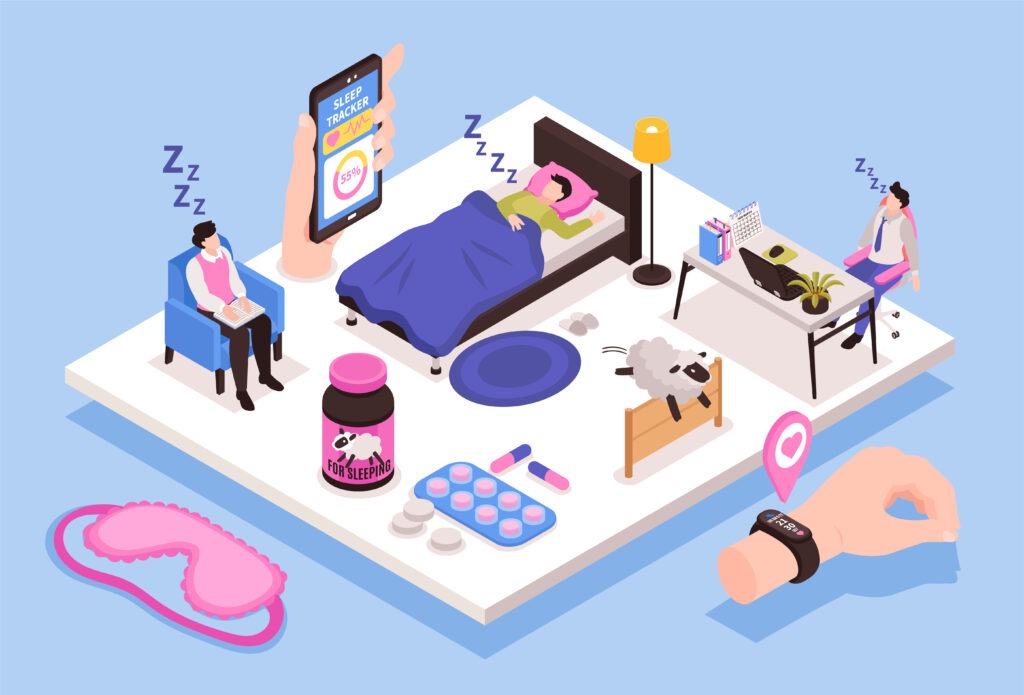
Sleep tracking apps help by recording your sleep patterns (when you fall asleep, wake up, movements, perhaps snoring), giving insights into sleep stages (light, deep, REM), and helping you understand how lifestyle, ambient conditions, or habits affect sleep. Some include “smart alarms” (wake you during lighter sleep) or coaching/tips to improve rest. They can be very useful—but they aren’t perfect substitutes for medical/clinical sleep studies.
What to Look for in a Good Sleep Tracking App
When comparing, here are key features to evaluate:
Feature and Why It Matters
* Accuracy of tracking (sleep vs awake, stages) >> Helps you trust the data. Poor accuracy means you may get misleading suggestions.
* Smart alarm >> Waking in light sleep can make mornings feel less groggy.
* Wearable vs non-wearable >> Some apps use phone sensors, microphone, or sonar; some require a smartwatch or ring. Comfort, convenience & cost vary.
* Integration with other devices / health apps >> Syncing with Apple Health, Google Fit, or wearable devices helps consolidate wellness data.
* Sleep insights & coaching >> Beyond raw data—tips, trend graphs, lifestyle correlation (caffeine, screen time, etc.) are helpful.
* Sound & ambient support >> Sounds, bedtime guides, white noise—useful for falling asleep.
* Cost / subscription model >> Understand what’s free vs paid; many apps lock best features behind subscriptions.
Key Apps Compared
Here’s how some of the most popular apps stack up, based on current info.
| App | Platform(s) | What It Does Well | Weaknesses / What to Watch For |
|---|---|---|---|
| Sleep Cycle | iOS, Android | Smart alarm; easy-to-use interface; shows sleep phases and trends; well-rounded features; good sound library. | Full insights often require a premium subscription; accuracy may drop when sharing a bed or if there’s motion from a partner. |
| Pillow | iOS, Apple Watch | Deep integration with Apple Health; clean UI; includes sleep sound recording and sleep staging. | Many features require premium; works best only within the Apple ecosystem; occasional syncing or accuracy issues reported. |
| SleepScore | iOS, Android | Unique non-contact sonar tracking; clear sleep scores; great option for non-wearable tracking. | Not all phones support sonar; premium required for extended history and deeper insights. |
| Oura (Ring) | iOS, Android (ring + app) | Very accurate wearable tracking; rich metrics (temperature, HRV, readiness); great for long-term trends; well-designed. | Higher hardware cost; subscription fees; wearing a ring may feel inconvenient; sometimes less accurate for naps. |
| Sleep Monitor | Android / cross-platform | Tracks snoring and sleep talking; trend graphs; smart alarm; strong value for Android users. | Free version is limited; premium unlocks most features; accuracy can depend on phone placement. |
| Headspace, Calm, etc. | iOS, Android | Better for falling asleep – meditations, sounds, bedtime routines; good as a supplement to tracking apps. | Not focused on sleep tracking; minimal data and metrics; content-heavy and subscription-based. |
Accuracy & Limitations
* Many apps estimate sleep stages and awakenings based on movement, microphone or sonar. These are inferential methods—not the same as polysomnography (clinical sleep study) which measures brain waves, breathing, etc. Accuracy can vary by device, phone placement, individual differences.
* Environmental noise, partners’ movement, pets, etc. can interfere with detection.
* Some users report that app predictions (like sleep stages) don’t match how they feel. Use tracking more as a guide than gospel.
Best Use-Cases: What Might Suit You Best
Here are scenarios and which type of app tends to work well:
| Scenario | Recommended App Type / Features |
|---|---|
| You want to wake up feeling less groggy | Smart alarm feature (Sleep Cycle, SleepScore) |
| You dislike wearing devices | Apps with non-contact tracking (SleepScore, using phone on nightstand) |
| You use Apple ecosystem | Pillow or Sleep Cycle (good Apple Health integration) |
| You want deep insights (HRV, readiness, temperature) | Wearables like Oura; sometimes premium subscriptions in good apps |
| You struggle to fall asleep or wind down | Apps with sleep sounds, meditation/guided stories (Calm, Headspace) together with a tracking app |
Cost Comparisons
* Many apps are free to download but require subscription for full features (Sleep Cycle, SleepScore, Pillow).
* Wearable-based solutions (like Oura) have upfront hardware cost + subscription.
* Non-wearable apps are usually cheaper but may have more limitations.
Tips for Better Results When Using a Sleep Tracking App
1. Place your phone or sensor properly (if not wearable) — avoid blocking, ensure it picks up sound/movement.
2. Keep consistent bedtime and wake time for better trend data.
3. Use smart alarm features only if you consistently give sufficient window before wake-up time.
4. Don’t obsess over every night’s data — look for trends over weeks/months.
5. Combine with good sleep hygiene: cool room, low light, no screens before bed, etc.
Final Thoughts
Sleep tracking apps can be powerful tools to improve your sleep understanding and habits if used appropriately. They aren’t perfect, but they can reveal useful patterns, help you experiment with what works best (bedtime routines, ambient conditions, etc.), and may help reduce grogginess or awakenings.