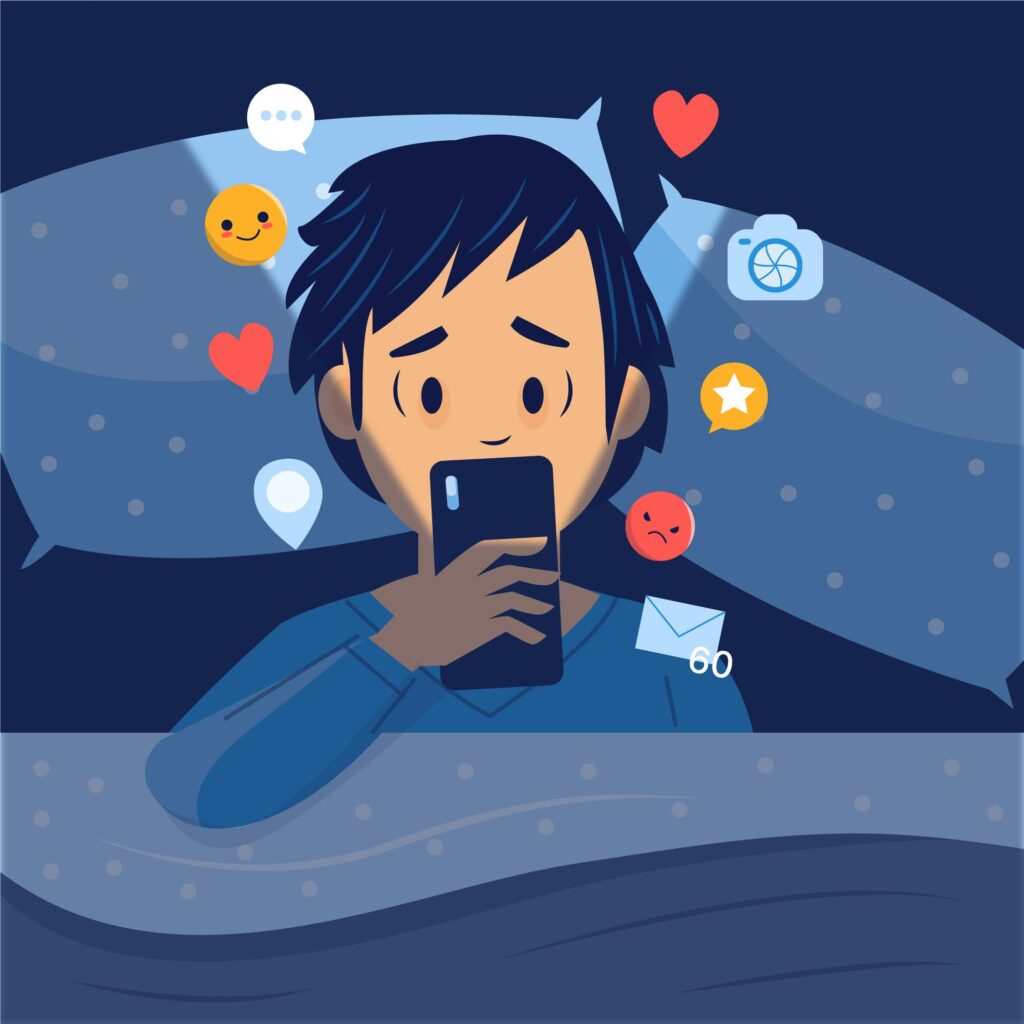
🌙 The Growing Problem of Insomnia
In our hyperconnected world, insomnia has become one of the most common sleep disorders affecting millions of people worldwide. Constant stress, late-night screen time, and irregular routines have made quality rest harder to achieve.
As a result, many turn to technology—ironically—to fix a problem partly caused by it. Among these digital solutions, sleep apps promise to help users relax, track their sleep cycles, and develop better bedtime habits. But the question remains: do sleep apps really help reduce insomnia, or are they just another wellness fad?
📱 What Are Sleep Apps?
Sleep apps are mobile or wearable-based programs designed to improve sleep quality using techniques like:
- Sleep tracking (via motion or sound detection)
- Relaxation and meditation guides
- Breathing exercises
- Smart alarms that wake you during light sleep
- White noise and nature sounds
- Cognitive Behavioral Therapy for Insomnia (CBT-I) modules
Popular examples include Calm, Headspace, Sleep Cycle, Pzizz, and BetterSleep. These apps combine behavioral science with soothing content to help users fall asleep faster and stay asleep longer.
🧠 How Sleep Apps Work
Most sleep apps use your phone’s sensors—or connect with a wearable device—to analyze your sleep cycles. They track movement, sound, and sometimes heart rate to estimate when you enter light, deep, or REM sleep.
Meanwhile, relaxation-focused apps help users reduce pre-sleep anxiety by offering tools such as:
- Guided meditation sessions
- Soothing music or ambient soundscapes
- Bedtime stories for adults
- Mindfulness reminders
Over time, these apps provide personalized feedback and suggestions to enhance sleep hygiene.
🌿 The Science Behind Sleep Apps and Insomnia Relief
The effectiveness of sleep apps depends on what kind of insomnia a person has and how they use the app.
Here’s what research and sleep experts suggest:
- CBT-Based Apps Can Reduce Chronic InsomniaClinical studies show that digital Cognitive Behavioral Therapy for Insomnia (CBT-I)—offered by apps like Sleepio and Somryst—can significantly improve sleep onset, duration, and quality. These programs guide users through behavioral changes proven to retrain the brain for better sleep.
- Relaxation Apps Help with Mild Sleep ProblemsApps offering meditation, breathing, or calming sounds can effectively reduce short-term stress or anxiety that leads to sleeplessness. They help users transition from a hyperactive mental state into a relaxed one.
- Sleep Trackers Increase AwarenessMonitoring sleep data can motivate users to adjust habits—like bedtime consistency, caffeine intake, or screen exposure. Awareness is often the first step toward improvement.
- Limitations ExistWhile useful, sleep apps aren’t a substitute for medical diagnosis. People with chronic insomnia, sleep apnea, or mental health conditions should consult a healthcare provider.
🌛 Benefits of Using Sleep Apps
1. Better Sleep Awareness
By tracking patterns, users learn how behavior impacts rest—empowering them to make healthier choices.
2. Stress and Anxiety Reduction
Guided meditations, breathing exercises, and nature sounds lower cortisol levels, making it easier to drift into sleep.
3. Personalized Insights
Many apps use AI algorithms to tailor advice, such as recommending earlier bedtimes or reducing caffeine intake.
4. Accessible and Affordable
Most sleep apps are free or low-cost alternatives to therapy or clinical monitoring.
5. Convenience and Habit Formation
With bedtime reminders and smart alarms, these tools help users stick to a consistent sleep routine—key to overcoming insomnia.
⚠️ Potential Drawbacks of Sleep Apps
While sleep apps offer many benefits, they’re not perfect. Some potential downsides include:
- Data accuracy issues: Phones and wearables estimate sleep stages, not measure them directly.
- Screen exposure: Using phones before bed can increase blue light exposure, which may delay melatonin release.
- Overreliance on data: Constantly checking sleep scores can lead to “orthosomnia”—anxiety about not sleeping well.
- Privacy concerns: Some apps collect sensitive health data; always review privacy policies.
To minimize these effects, users should enable dark mode, keep phones on airplane mode, and focus on consistency rather than perfection.
🧩 The Best Sleep Apps That Actually Work
Here are a few top-rated apps that combine science and relaxation to truly help with insomnia:
- Sleepio: Clinically validated CBT-I program for chronic insomnia.
- Calm: Offers guided meditations, relaxing soundscapes, and bedtime stories.
- Headspace: Focuses on mindfulness and stress management with structured courses.
- BetterSleep (formerly Relax Melodies): Customizable mix of white noise, music, and voice guidance.
- Pzizz: Uses psychoacoustic sound design to help users fall asleep faster and wake refreshed.
Each app targets different needs—whether stress reduction, habit building, or structured therapy.
🌟 Tips for Getting the Most Out of Sleep Apps
- Be consistent: Use your app nightly to reinforce good habits.
- Avoid screens before bed: Set the app before you lie down, then put your phone away.
- Combine methods: Pair relaxation sounds with good sleep hygiene—like a dark room and cool temperature.
- Track progress weekly, not daily: Focus on long-term patterns, not one bad night.
- Seek medical advice if insomnia persists: Apps are tools, not cures.
🌌 Final Thoughts
So, do sleep apps really help reduce insomnia?
The answer is yes—but only when used mindfully and consistently.
Apps that use science-backed approaches like CBT-I or guided relaxation can effectively improve sleep quality and reduce insomnia symptoms. However, they work best as part of a broader strategy—one that includes good sleep hygiene, stress management, and lifestyle adjustments.
In short, sleep apps can guide, support, and motivate you toward better sleep—but it’s your habits that do the real healing.



 English
  Indonesian
  Chinese